
iPhone and iPad
Download GKC EdVance from the App Store. Parents, students, teachers and school leaders all use the same app.
Apps
One app for the whole school. Parents, students, teachers and leaders download it from the App Store or Google Play, and the web app works in any browser. Each person sees only what their role needs.
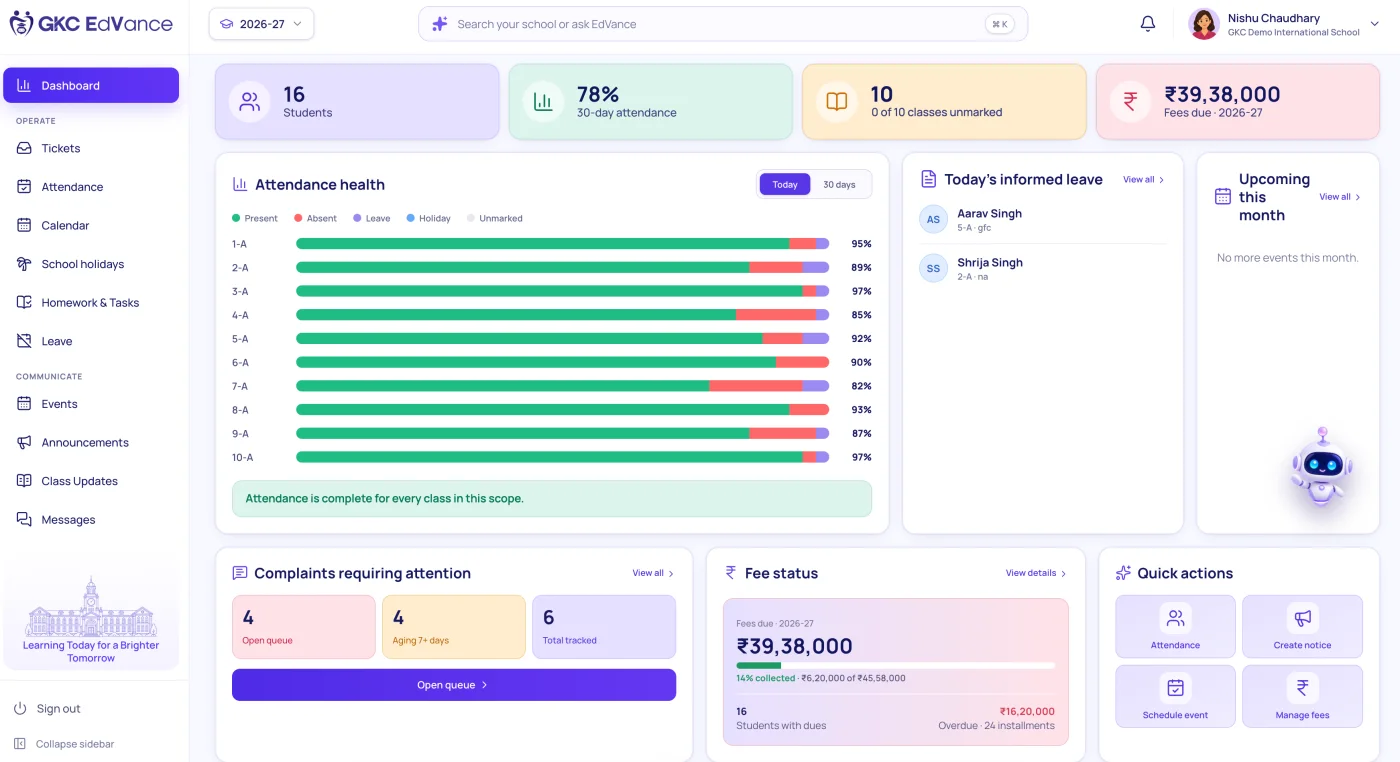
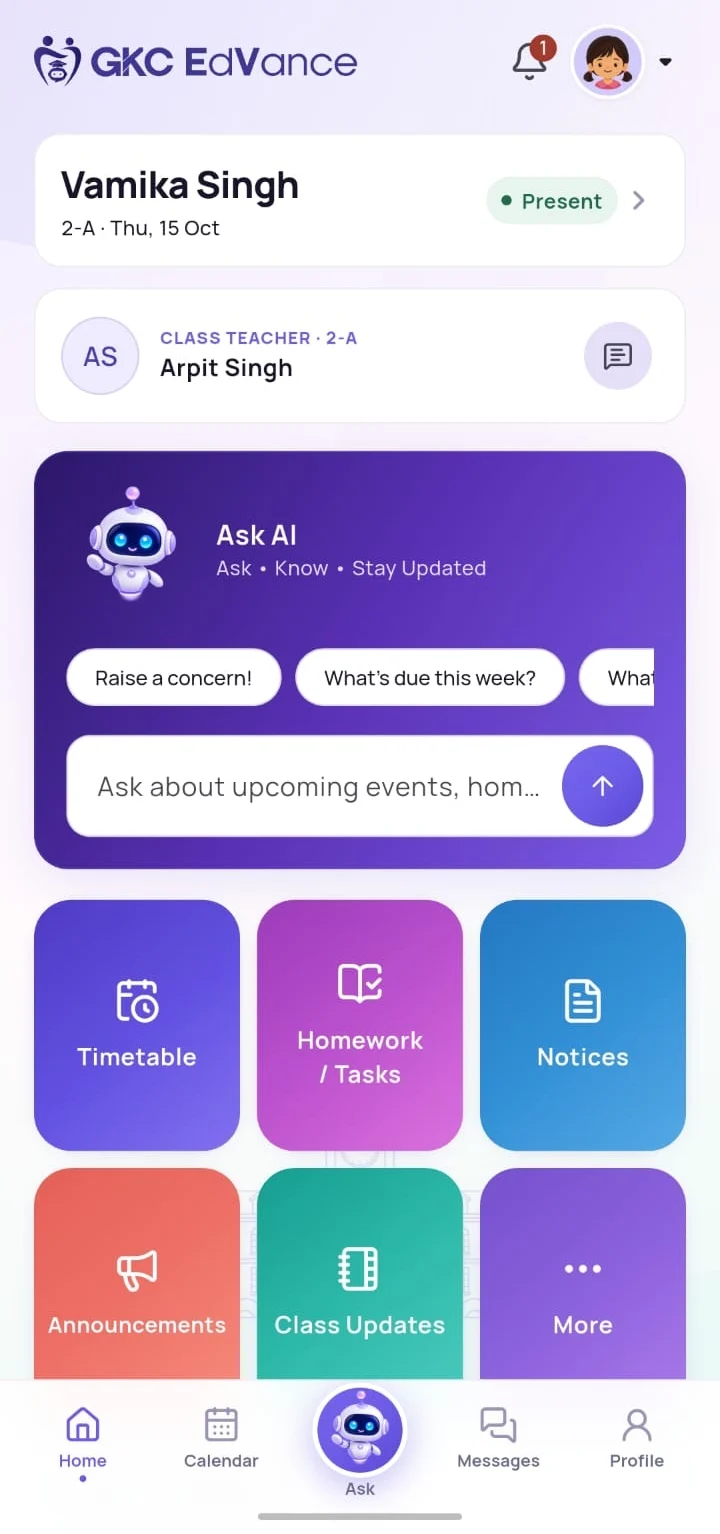
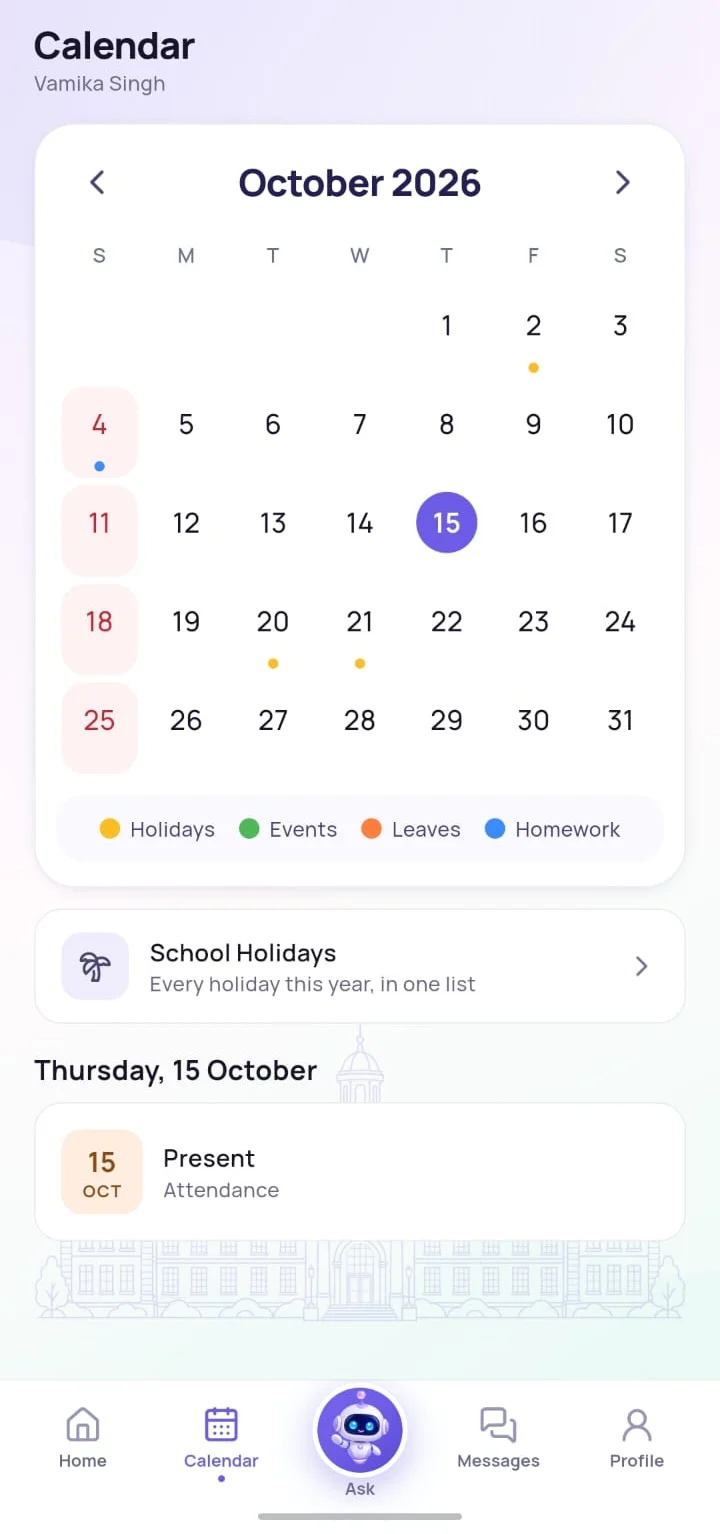
Download GKC EdVance from the App Store. Parents, students, teachers and school leaders all use the same app.
Download GKC EdVance from Google Play, with instant notifications for homework, attendance, fees and notices.
Open app.gkcedvance.com in any browser on a laptop or desktop. The school office and staff portal work here too.
A teacher whose child studies at the same school, or a principal who also teaches a class, uses one sign-in and switches between roles with one tap. Each view shows only what that role is allowed to see.
There are no passwords to remember. Everyone signs in with a one-time code sent to the phone number or email address the school has on record. Read more about security and privacy.
Try GKC EdVance free for 30 days. We walk you through the modules that matter to you and set your school up for you.